English
Finishing
Secure the top and bottom cases, then customize the keymap if you like.
Securing the Top and Bottom Cases
- Align the USB port, then fit the bottom case into the top case.
Caution
Take care not to pinch the FPC cable.
- Secure them with the hex-socket flat-head bolts (M3 × 8 mm).
- Attach rubber feet at the four corners if desired.
Changing the Keymap
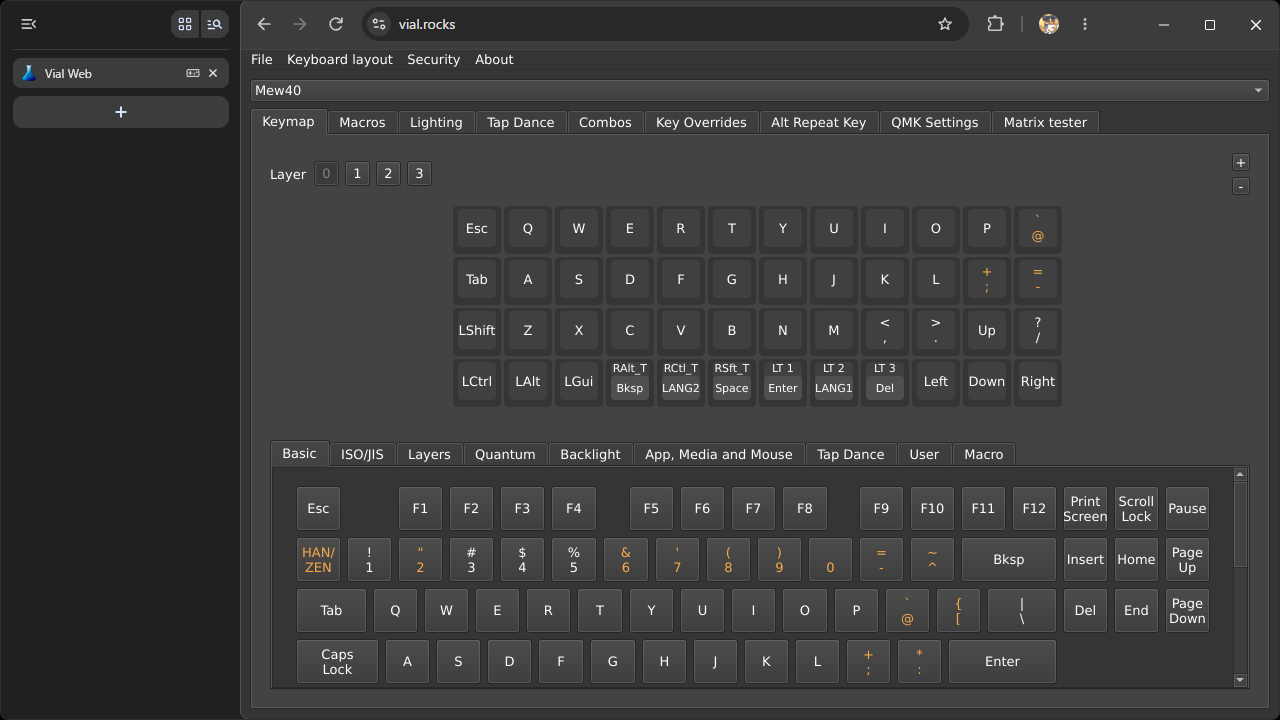
- Connect the Mew40 to your PC with a USB Type-C cable, open Vial Web, and customize the keymap to your preference.
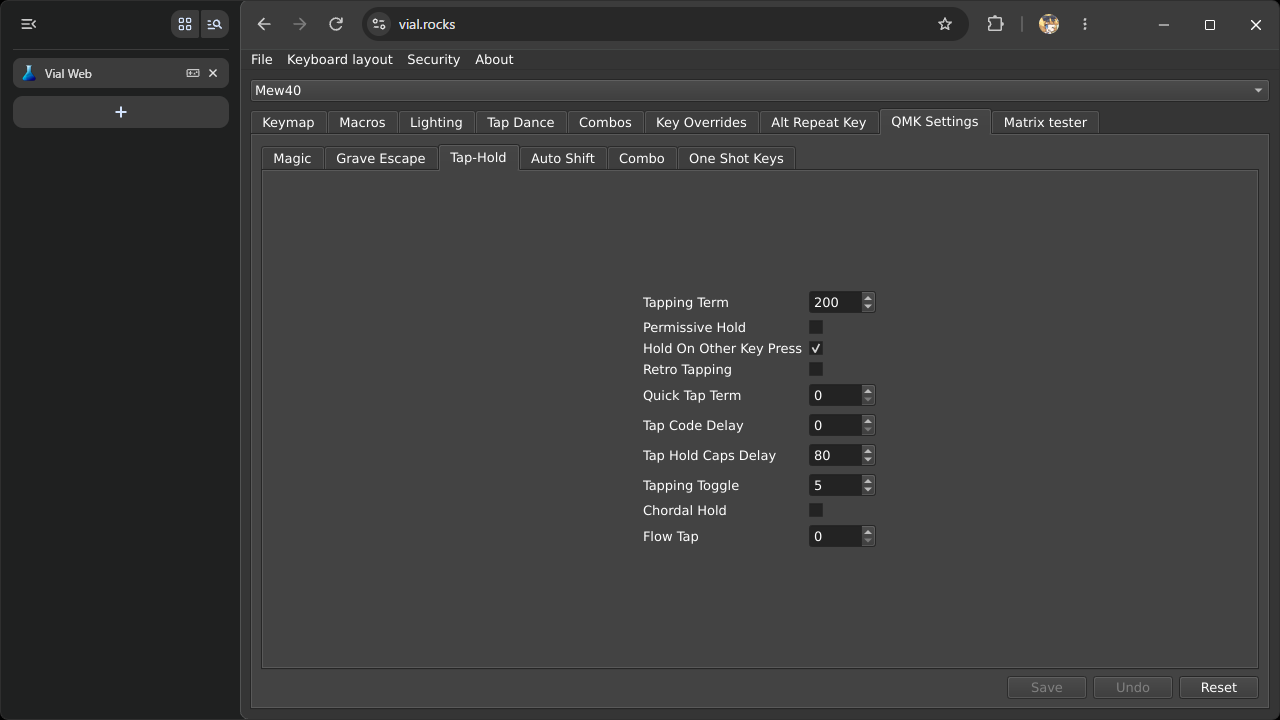
- Change the QMK settings if needed.
Information
The default keymap assigns Mod-Tap and Layer-Tap keys around the thumb cluster.
To avoid unexpected behavior when typing these keys quickly, we recommend enabling Hold On Other Key Press and setting Quick Tap Term to 0 under QMK Settings > Tap-Hold.