English
Firmware
Download the Mew40 firmware and flash it to the RP2040-Tiny.
Downloading the Firmware
- Download the latest
Firmware.zipfrom GitHub Releases and extract it to a folder of your choice.
Flashing the Firmware
- Connect the USB port adapter to your PC with a USB Type-C cable, then press and hold the
BOOTandRESETbuttons at the same time; releaseRESET, then releaseBOOT.
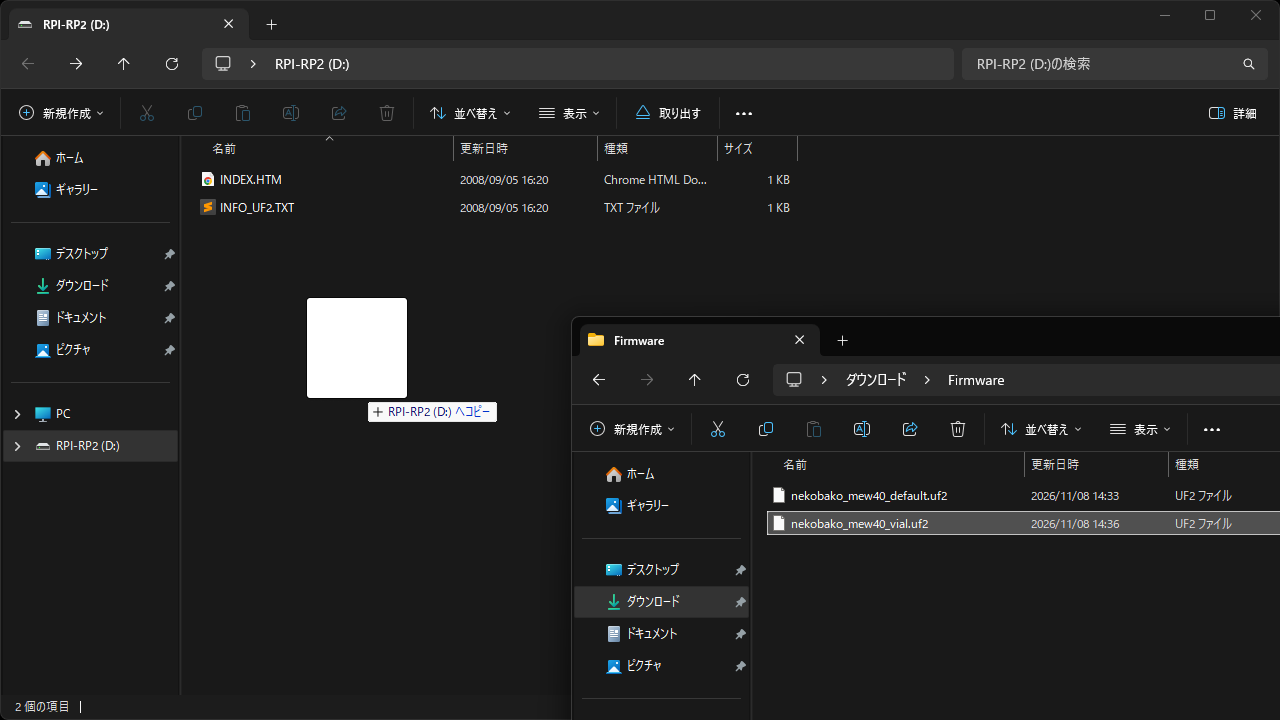
- When your PC recognizes a drive named
RPI-RP2, copynekobako_mew40_vial.uf2from the extracted folder to the root of the drive.
Information
When flashing is complete, the drive disconnects automatically and the keyboard restarts.
Information
nekobako_mew40_vial.uf2 supports Vial, while nekobako_mew40_default.uf2 does not support Vial.
Verifying the Firmware
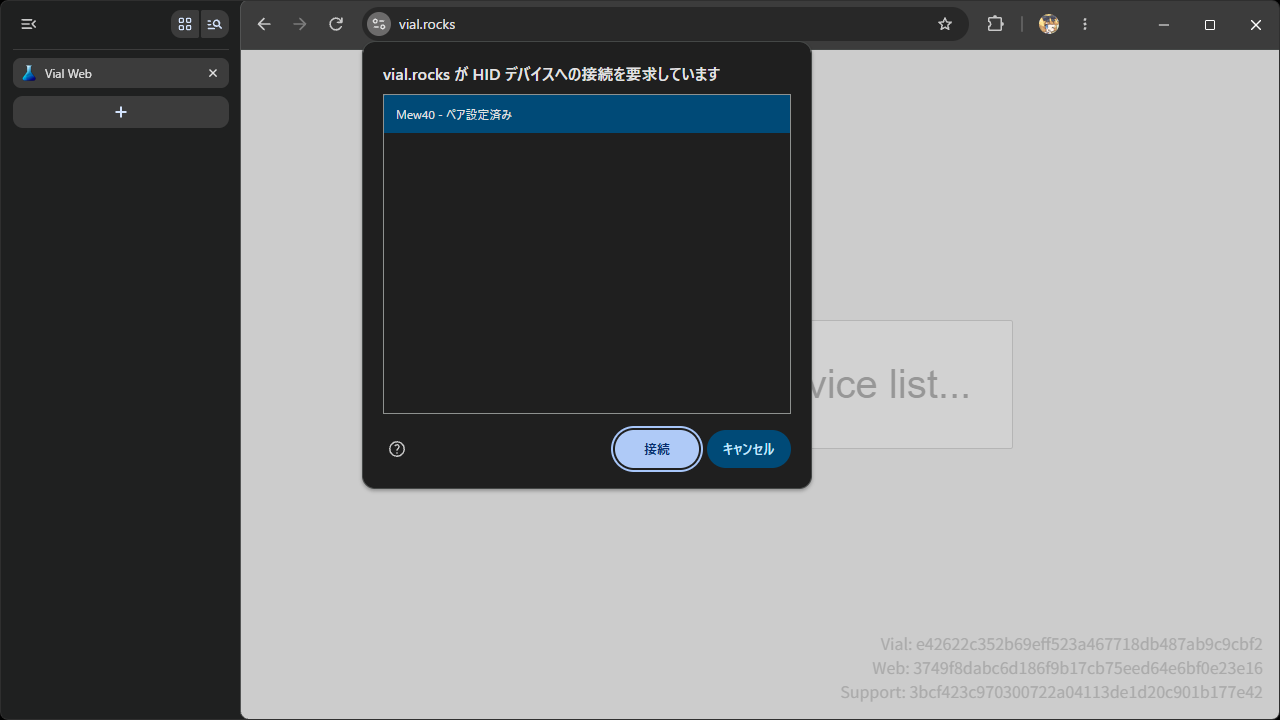
- Open Vial Web, click the
Start Vialbutton, and check that the keyboard is recognized.